A verification-led product launch event checklist
A Product Launch Event Checklist from Brief to Follow-Up
Short answer: A launch event is ready only when every critical workstream has an owner, evidence, approval and a stop condition. Lock the objective and audience first; verify the product demonstration, venue, production, safety, guest journey, data capture and contingency plans; rehearse the decision points; and assign follow-up before guests arrive.
This checklist is intentionally different from a broad launch guide. It is a control document for teams that already intend to hold an event and need to know what must be confirmed before each commitment. A checked box should point to evidence, not confidence alone.
Patel Events presents Corporate Events on its owned services section, with product launches identified in that context. This article does not state that Patel Events provides a particular package, venue, vendor, capacity, price, licence, availability or outcome. Those details require an event-specific enquiry and written confirmation.

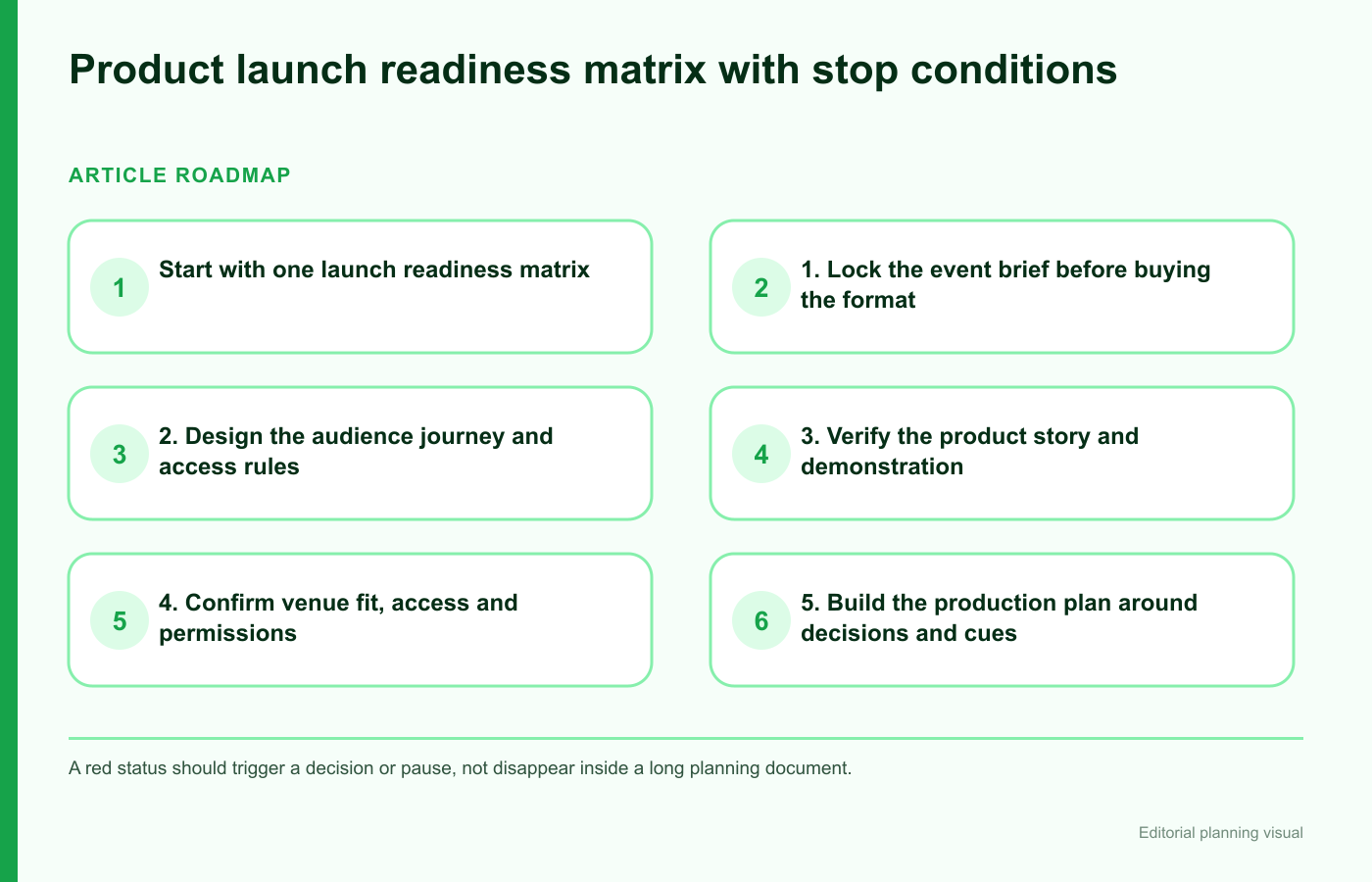
Start with one launch readiness matrix
Use one row for each critical workstream and four control columns. The owner is accountable for moving the row. Evidence shows what has been verified. Approval identifies who accepts the decision. The stop condition explains when the launch cannot proceed as planned.
| Workstream | Owner | Evidence | Approval | Stop condition |
|---|---|---|---|---|
| Objective and claims | Named brand or product lead | Approved brief and message list | Responsible business, legal or compliance reviewer | Core claim or product status unresolved |
| Audience and invitations | Named guest-journey lead | Audience criteria, invitation and access plan | Brand and data owner | Guest use or data flow unclear |
| Venue and production | Named event or production lead | Signed scope, plans, schedules and tests | Venue and client sign-offs | Capacity, access, power or critical cue unverified |
| Safety and licensing | Competent responsible person | Risk, emergency and responsibility records | Relevant venue, authority or specialist | Material control or permission missing |
| Follow-up | Named sales, media or community lead | Approved content, routing and timing | Business and data owners | No lawful or operational route for follow-up |
Red should trigger a decision or pause, not disappear inside a long status document. Review the matrix at every major commitment: venue, production order, guest invitation, rehearsal and doors-open decision.
1. Lock the event brief before buying the format
Write the event’s job in one sentence. It might be to let a defined audience experience a new product, help press understand an approved story, train partners on a release, or create qualified conversations. Do not combine every possible objective; priorities determine the room, programme and follow-up.
Brief checklist:
- Who is the primary audience, and what should they understand or do?
- What product version, region and release status are in scope?
- Which messages and claims have been approved, and by whom?
- What information is confidential or embargoed, and how will it be handled?
- What must guests experience in person rather than in an email or video?
- What evidence will show whether the event completed its job?
- What is explicitly out of scope?
- Who can change the brief after commitments begin?
Separate event outputs from business outcomes. Attendance, demonstration completion and follow-up routing can be observed directly. Sales, coverage or long-term adoption depend on factors outside the room and should not be guaranteed by the event plan.
2. Design the audience journey and access rules
Map the guest journey from invitation to follow-up. For each stage, define what the guest needs, what the team collects, and who handles exceptions.
- Invitation: eligibility, message, response route and any confidentiality expectation.
- Registration: required information, access needs, consent or preference choices and confirmation.
- Arrival: transport information, queue, identification, cloakroom, accessibility and late-arrival plan.
- Orientation: where guests go, what is happening and how to request help.
- Experience: demonstration, content, networking, food or other components as applicable.
- Departure: collection points, transport, materials and clear follow-up expectation.
Plan for different audience roles. Media may need approved assets and interview coordination. Buyers may need product details and next steps. Partners may need training or account routing. Creators may need content rules. Staff need a version that lets them answer or escalate without improvising claims.
Do not assume accessibility from a venue brochure. Ask guests how they can request adjustments, confirm venue routes and facilities, provide programme information in useful formats, and assign someone to resolve access issues.
3. Verify the product story and demonstration
The demonstration is often the highest-risk moment because product, power, network, accounts, consumables, presenters and audience interaction meet at once. Create a demonstration specification:
- exact product, version, configuration and permitted claims;
- owner for setup, reset, cleaning, charging and secure storage;
- required power, connectivity, ventilation, space or other environmental conditions;
- guest interaction rules, supervision and accessibility;
- backup unit, offline content or alternate explanation where appropriate;
- failure language so presenters do not invent a technical answer;
- handling for photography, unreleased features or confidential screens;
- sign-off by the responsible product, safety and compliance people.
Rehearse realistic transitions, not only the ideal demo. Test what happens when a guest arrives late, a session overruns, a device needs resetting or the primary screen fails. A backup should preserve the event objective without misrepresenting product capability.
Pause the demonstration if the approved product version, claim, operating condition, supervision or required control is unavailable. A confident presenter is not a substitute for verified readiness.
4. Confirm venue fit, access and permissions
Venue capacity is only one part of fit. Ask for written confirmation of rooms, layouts, access times, loading, storage, power, connectivity, noise limits, branding rules, rigging, catering boundaries, accessibility, security, waste, emergency arrangements and handback requirements. Record which party supplies and approves each element.
If the event involves alcohol, regulated entertainment, late-night refreshment or other licensable activity, confirm the existing venue position and who obtains any additional permission. GOV.UK explains the temporary event notice route for certain circumstances, but event-specific advice belongs with the venue, local authority and qualified advisers.
Venue verification checklist:
- contracted spaces match the current floor plan;
- stated capacity matches the intended layout and activity;
- guest and supplier arrival routes are separated where needed;
- load-in, build, test, show, breakdown and handback times are written;
- power and network tests reflect the actual demonstration and production load;
- accessibility and emergency routes remain usable after production is installed;
- responsibility for permits, licences, security and safety controls is assigned;
- weather and transport impacts have an owner and communication route.
This article does not recommend or state that Patel Events has a relationship with any particular venue.
5. Build the production plan around decisions and cues
Create one source of truth containing the floor plan, equipment list, contact sheet, delivery schedule, content versions, cue sheet and change log. Version control matters: a corrected presentation is useless if the playback operator has the old file.
The run of show should include clock time, duration, action, speaker or owner, technical cue, content version, guest movement and recovery instruction. Mark the few cues that can stop the programme—doors open, reveal, demonstration start, recording, live connection or another critical transition.
| Cue | Ready evidence | Fallback | Authority to proceed |
|---|---|---|---|
| Doors open | Venue, safety, registration and guest areas checked | Hold guests in approved location or delay communication | Named event and venue leads |
| Product reveal | Product, content, lighting and presenter confirmed | Use approved alternate content or pause | Product and show caller roles |
| Live demonstration | Specified system tested in show conditions | Approved backup unit, recording or explanation | Demo owner |
| Media capture | Permissions, framing and content boundaries briefed | Restrict or delay capture | Communications owner |
Assign one show caller or equivalent coordinating role so suppliers and presenters receive one cue sequence. This does not mean one person owns every technical or safety judgement; specialists retain their responsibilities.
6. Assign safety, supplier and contingency responsibilities
The UK Health and Safety Executive’s event-safety guidance covers planning, roles, contractors, crowd management, transport and emergency arrangements. Use competent people to assess the actual event and venue. A generic checklist cannot determine the required controls.
Confirm:
- who leads event safety and who has authority to stop activity;
- supplier competence, scope and handoffs;
- construction, electrical, rigging, fire, crowd and demonstration risks as applicable;
- first aid, welfare, security and incident reporting arrangements;
- evacuation, shelter, communications and guest-accounting responsibilities;
- weather, transport, power, network, product and presenter contingencies;
- how late changes receive safety and venue review;
- what documentation is retained after the event.
Build contingencies around the objective. If the product cannot be demonstrated safely, the event may shift to approved content and conversation. If the venue cannot admit guests, communications and alternate arrangements need a defined owner. Do not invent a fallback on stage.
7. Approve registration, content and follow-up data flows
List every point where personal data is collected or shared: invitations, registration, badge printing, scanning, photography, filming, competitions, Wi-Fi, lead notes, surveys and post-event communications. Identify the purpose, data owner, supplier access, retention and guest information for each.
The Information Commissioner’s Office provides direct marketing and privacy guidance. The responsible organisation should obtain event-specific advice and configure consent or other lawful routes appropriately. Attendance alone should not be treated as blanket permission for every future marketing use.
Create an approved content pack with logos, product names, claims, presenter bios, captions, image permissions, embargo details and escalation contacts. Tell photographers and social teams which areas, screens, guests or products must not be captured. Plan a rapid review route for same-day content without removing the required approval.
8. Rehearse the failures and record the final sign-off
A cue-to-cue rehearsal tests transitions and technical sequences. A presenter rehearsal tests timing, claims and handoffs. A guest-journey walk-through tests signage, queues, accessibility and room changes. A contingency drill tests who decides when the plan breaks.
At final sign-off, review only unresolved and critical items:
- Is the product version and approved story unchanged?
- Are venue, access, production and supplier scopes confirmed?
- Have critical systems been tested in relevant conditions?
- Are safety, emergency and stop authorities understood?
- Are guest, media and data instructions ready?
- Does every red or amber item have an explicit decision?
- Can the team explain the fallback without improvisation?
- Who makes the doors-open decision?
Record the time, evidence and people involved. If a critical condition changes after sign-off, reopen that row rather than relying on the old approval.
9. Prepare follow-up before the event begins
Follow-up fails when the event produces names, notes, photographs and questions with no routing plan. Assign owners and deadlines for approved thank-you messages, requested information, media assets, sales enquiries, partner questions, supplier closeout, incident records and feedback.
Decide what evidence the event will produce and how it will be interpreted. Report direct measures such as attendance, session participation, questions or approved next actions accurately. Do not turn a badge scan into a qualified lead without a defined criterion, or claim business impact the event alone cannot prove.
Hold a short debrief while details are fresh. Compare the objective with evidence, document operational lessons, resolve open obligations and update the reusable checklist. Preserve the distinction between successful delivery and longer-term product performance.
Common product launch checklist mistakes to avoid
- Choosing the format before the objective. The event becomes a collection of attractive components without one job.
- Checking boxes without evidence. “Confirmed” should point to a document, test or responsible approval.
- Leaving product claims to presenters. Approved language and escalation must be ready.
- Testing equipment outside show conditions. Network, power, content and transitions need an integrated test.
- Treating venue capacity as venue fit. Access, activity, production and permissions also matter.
- Hiding red items in status reports. Stop conditions should trigger a decision.
- Collecting guest data without a defined use. Purpose, choices, supplier roles and follow-up require review.
- Planning follow-up after the launch. Owners and approved assets should be ready beforehand.
Frequently asked questions
How early should a product launch event be planned?
There is no universal lead time. Product readiness, venue, production, supplier, guest, licensing and approval dependencies determine the schedule. Work backwards from required decisions and include contingency.
Who owns the product launch event checklist?
One event lead can maintain the master document, but each workstream needs a named accountable owner. Legal, safety, product, venue and technical judgements remain with competent responsible people.
What should stop a product launch from proceeding?
Examples include unresolved product status or claims, a missing critical safety control, unverified venue or production capability, unclear guest-data use, or loss of an essential fallback. Define event-specific stop conditions in advance.
What should be measured after a launch event?
Use measures tied to the approved objective: direct attendance, participation, content use, questions, requested next actions or other observable evidence. Separate event outputs from sales or adoption outcomes that require longer evaluation.
Does every launch need a temporary event notice?
No. It depends on the venue, activities, timing and existing permissions. Confirm responsibility with the venue, local authority and appropriate advisers.
Turn your launch brief into a Patel Events enquiry
Complete the first version of the readiness matrix with the objective, audience, product status, preferred date range, location needs, demonstration, production, guest journey and unresolved approvals. Review Patel Events’ owned homepage and portfolio section, then use the site’s current enquiry destination to confirm whether the project is eligible. Request the actual scope, responsibilities, venue and supplier assumptions, capacity, price, schedule, permissions and terms in writing.
General event-planning information only. It is not legal, licensing, privacy, accessibility, health-and-safety, insurance or product-compliance advice. Event details require competent, event-specific review and written confirmation.